More than 3 billion people rely on Gmail for banking alerts, family photos, and medical updates. Yet Gmail’s default settings leave quiet doors open for trackers, AI data sharing, and clever scammers.
You do not need special tech skills to lock down your inbox. Five hidden switches inside your Google Account control who sees your messages, tracks your clicks, and tries to steal your login.
Changing these settings takes less than ten minutes today. Once you flip them, you block silent snooping and shut down the traps scammers use most.
Tech Secret #1: Three Hidden Switches Control AI Access to Your Inbox
Google rolled out new Gemini AI tools across U.S. Gmail accounts in January 2026. These tools write replies, summarize long threads, and scan emails for travel plans or bills.
Under a policy change starting October 16, 2026, Gmail data can also shape personalized Search ads. That happens if you turn on Personal Intelligence to link Gmail with Search’s AI Mode.
Google says it does not train Gemini models directly on Gmail messages. Still, a November 2025 lawsuit claims Google switched Gemini-linked smart features to opt-out for about 1.8 billion accounts.
Smart features stay off by default in Europe, the UK, Japan, and Switzerland. In the U.S., you must turn off three separate switches yourself to stop inbox scanning.
The first switch controls tab sorting, Smart Compose, and package summary cards inside Gmail. The second controls cross-app Gemini summaries across Gmail, Drive, Calendar, Chat, and Meet.
The third switch shares Workspace details with Google Maps, Wallet passes, and Search ads. On a computer, open Settings, choose See all settings, and stay on the General tab.
Uncheck Smart features, then click Manage Workspace smart feature settings to turn off the other two. On mobile, open the menu, tap Settings, pick your account, and update Data privacy.
Also check Gemini Apps Activity under Data & Privacy and My Activity if you use the Gemini app. In November 2026, Google split Chat History and Model Training, though human-reviewed chats stay stored up to three years.
Turning off smart features keeps basic spam filtering intact. Gmail still blocks over 99.9 percent of spam, phishing, and malware automatically.
Tech Secret #2: Every Email Image Can Act Like a Silent Beacon
Hidden pictures often load the instant you open an email. Marketers tuck invisible one-pixel images inside newsletters to track your reading habits.
A Princeton University study found roughly 70 percent of mailing-list emails contain hidden tracking pixels. Each time your screen loads that tiny image, a server logs when you opened it.
Google hides your location and blocks malware through its image servers. Still, Google warns that senders may know when you open an email with an image.
Scammers love those read receipts because they prove your address is active. Once crooks see you open messages, they send sharper phishing lures to your inbox.
On a computer, open Settings, click See all settings, and stay on the General tab. Under Images, pick Ask before displaying external images, then click Save Changes.
On mobile, tap the menu, open Settings, select your account, and tap Images. Choose Ask before displaying external images, which also blocks interactive Dynamic emails.
Tech Secret #3: Deleted Apps Still Hold Keys to Your Entire Inbox
You may have linked a shopping tool or game to your Google Account years ago. Deleting that app from your phone does not cut its access to your email.
Old apps keep digital permission tokens until you remove them. Some carry broad rights to read, send, and permanently delete every message you own.
A 2018 Wall Street Journal investigation showed some app makers let staff read user emails. Forgotten apps also give hackers easy entry points into your private account.
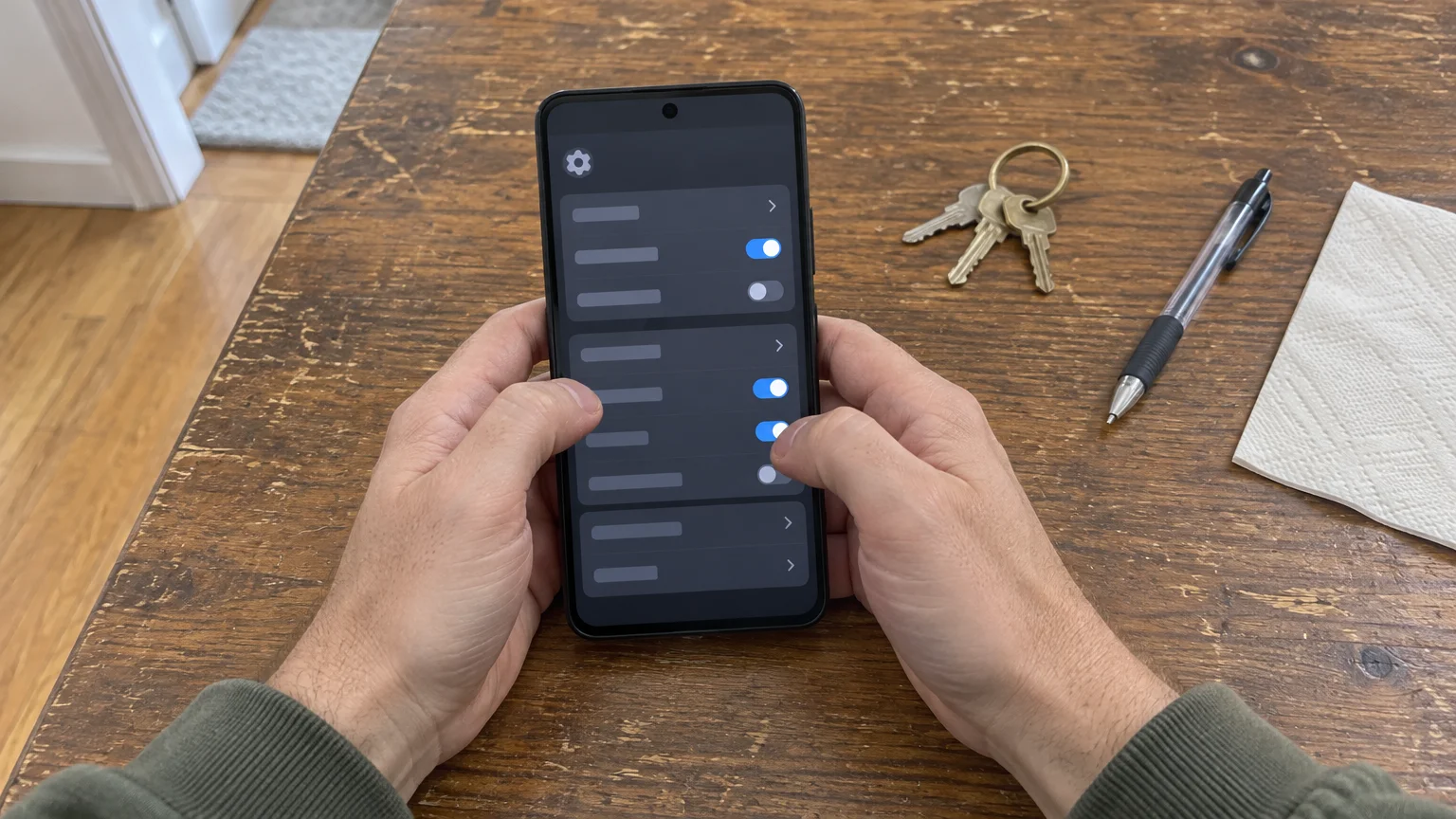
Visit myaccount.google.com, open Security, and scroll down to Third-party apps & services. You can also jump straight there by typing myaccount.google.com/permissions in your browser.
Check the exact permissions listed under each name you do not recognize or rarely use. Tap any unwanted app and revoke its access to cut off its link right away.
Review this list twice a year, just like your bank statements. Removing old permissions shrinks how many companies hold copies of your personal data.
Tech Secret #4: Passwords and Text Codes No Longer Stop Phishing
According to the FBI Internet Crime Complaint Center, Americans aged 60 and older lost more than $7.7 billion online in 2025. Phishing and spoofing complaints from older adults more than doubled to 48,064 reports.
Across all ages, U.S. online fraud losses topped $20.9 billion in FBI reports and $15.9 billion in Federal Trade Commission reports. Fake login pages can steal your password and text code.
Once crooks enter Gmail, they can reset passwords on your bank and health accounts. That is why CISA urges people to protect email first using multi-factor authentication, a second sign-in check.
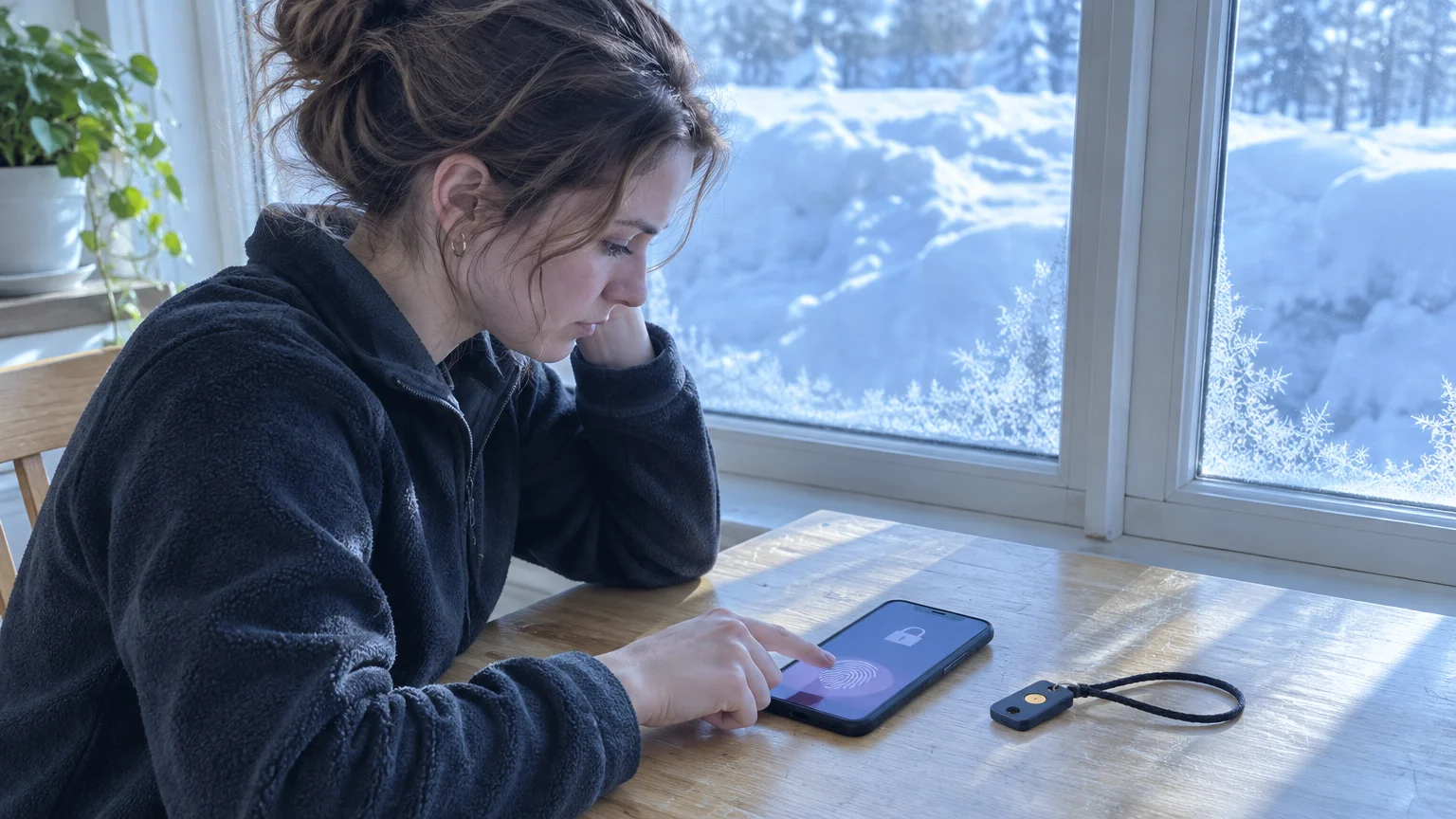
CISA and Google both call passkeys and hardware security keys the gold standard against phishing. A passkey replaces typed passwords with the fingerprint, face scan, or PIN on your device.
Because passkeys only work on the real Google site, fake scam pages fail. Google says your fingerprint or face scan never leaves your device.
Passkeys work on Windows 10+, macOS Ventura+, Android 9+, and iOS 16+, using Chrome, Safari, Edge, or Firefox. Visit myaccount.google.com, click Security & sign-in, and select Passkeys to set one up.
Also turn on 2-Step Verification and use a unique 14-character password in a password manager. Note that Google can take up to seven days to trust a new backup phone number.
Tech Secret #5: Confidential Mode Does Not Actually Encrypt Your Email
Many people trust Gmail’s Confidential Mode when sending tax forms or medical records. On a computer, click the padlock-with-clock icon at the bottom of a new message.
On the mobile app, tap the three-dot menu at the top right to find it. Confidential Mode blocks forward, copy, print, and download buttons for the person receiving your email.
You can set messages to expire in one day, one week, one month, three months, or five years. You can also add a text passcode or cancel access early from your Sent folder.
Still, Google Support warns that Confidential Mode is not end-to-end encryption. Google keeps the keys and stores the message on its servers and in your Sent folder.
Nothing stops the other person from taking a screenshot or snapping a photo of their screen. Use it to stop accidental forwarding, not to hide files from determined eyes.
Tech Secret #6: Google Quietly Shut Down Its Dark Web Monitoring Tool
If you relied on Google’s free Dark Web Report to watch for stolen data, that tool is gone. Google stopped scans on January 15, 2026, and shut it down on February 16, 2026.
Google deleted old reports because the alerts lacked clear next steps. Now Google points users to Security Checkup, Privacy Checkup, and Password Checkup.
Password Checkup warns you if saved logins appear in known data breaches. Running Security Checkup monthly also flags weak passwords, unknown devices, and risky inbox settings.
The Takeaway: How to Protect Yourself NOW
Take ten minutes today to run Security Checkup and Privacy Checkup inside myaccount.google.com. Turn off the three smart feature switches, hide external email images, and remove old third-party apps.
Next, add a passkey to block phishing sites before they can steal your login. Update your backup phone number and save unique passwords of at least 14 characters.
Finally, never click links or reply to urgent emails asking for money, gift cards, or codes. Both the FBI and Federal Trade Commission advise calling the company or relative directly using a known number.
This content is for informational purposes. For digital privacy rights, consult the Electronic Frontier Foundation (EFF). For cybersecurity alerts, refer to the Cybersecurity and Infrastructure Security Agency (CISA).
Frequently Asked Questions
Does turning off Gmail smart features stop spam filtering?
No, turning off smart features only stops AI sorting, writing suggestions, and cross-app data sharing. Gmail still blocks more than 99.9 percent of spam, phishing, and malware messages automatically.
Are Gmail messages private if I turn off AI features?
Turning off smart features limits automated scanning across Google tools, but it does not add end-to-end encryption. Google still holds server keys, and messages sent to other providers travel outside your account.
Can Google read my fingerprint if I use a passkey?
No, Google states that your fingerprint, face scan, or PIN stays locked on your own device. Your phone or computer only sends a safe cryptographic proof to Google when you sign in.
How do I stop Gmail from showing ads based on my emails?
Check your Google Account settings and keep Personal Intelligence turned off so Gmail data does not connect to Search AI Mode. Managed work and school accounts cannot turn on this ad-linked connection.
What replaced Google’s Dark Web Report in 2026?
Google ended its Dark Web Report in February 2026 and deleted the old scan records. You can still spot leaked logins and unsafe settings using Password Checkup and Security Checkup inside your Google Account.